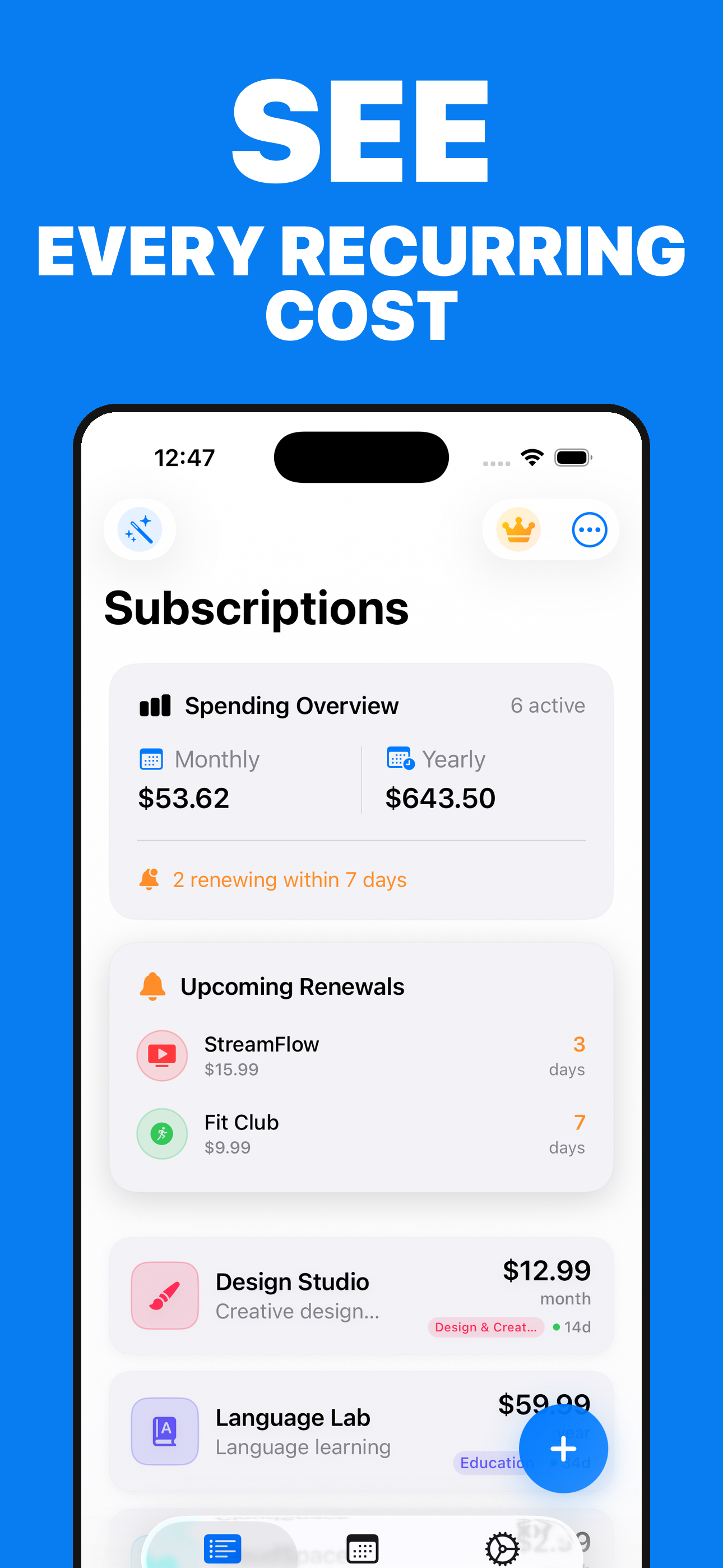
SEE
Every recurring cost
Review monthly and yearly equivalents grouped by currency—without mixing unlike amounts.
A clearer view of recurring costs
Keep the subscriptions you choose to track in one organized place, compare recurring totals by currency, and review upcoming renewal dates without pretending to access or cancel provider accounts.
Three focused views
SEE
Review monthly and yearly equivalents grouped by currency—without mixing unlike amounts.
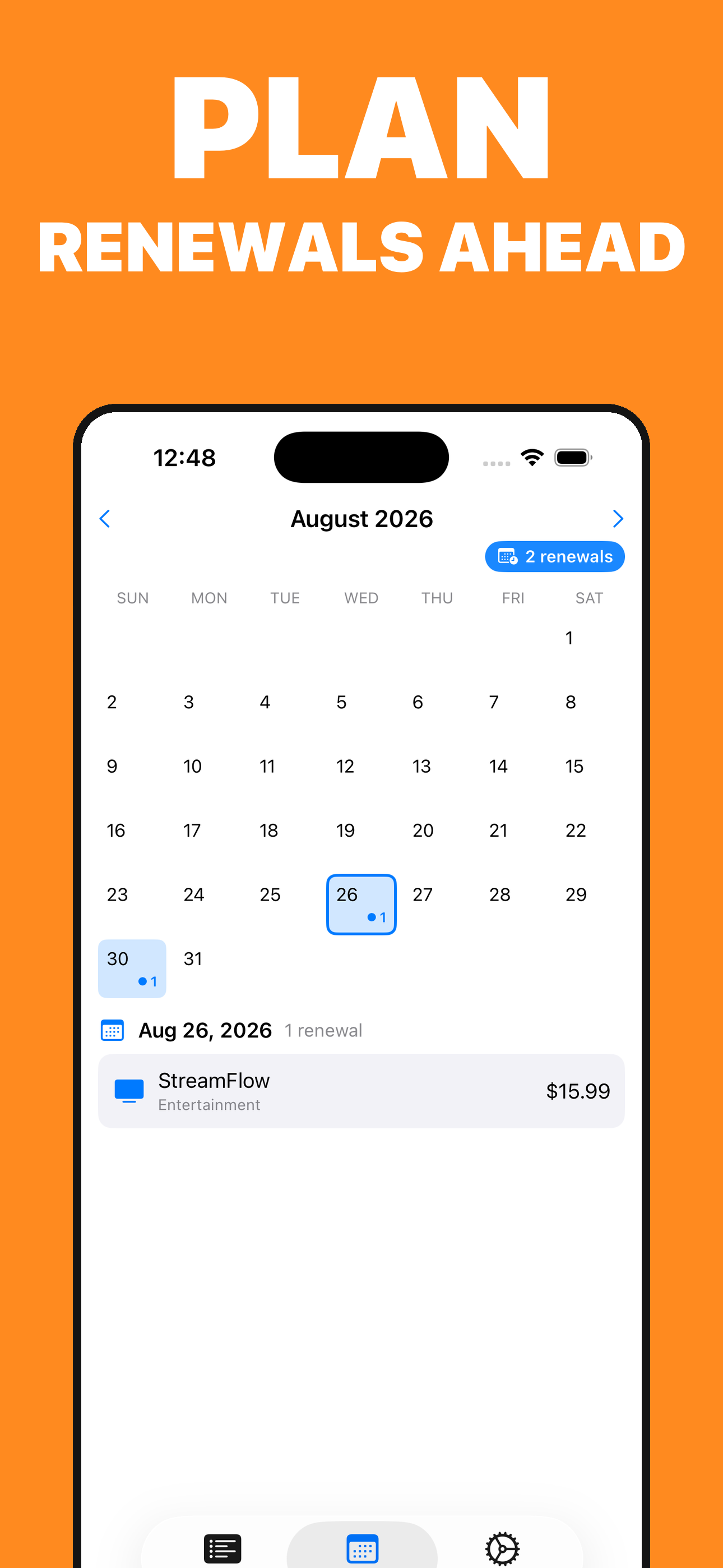
PLAN
Keep recorded due dates, trials, and upcoming payments together in a clear calendar.
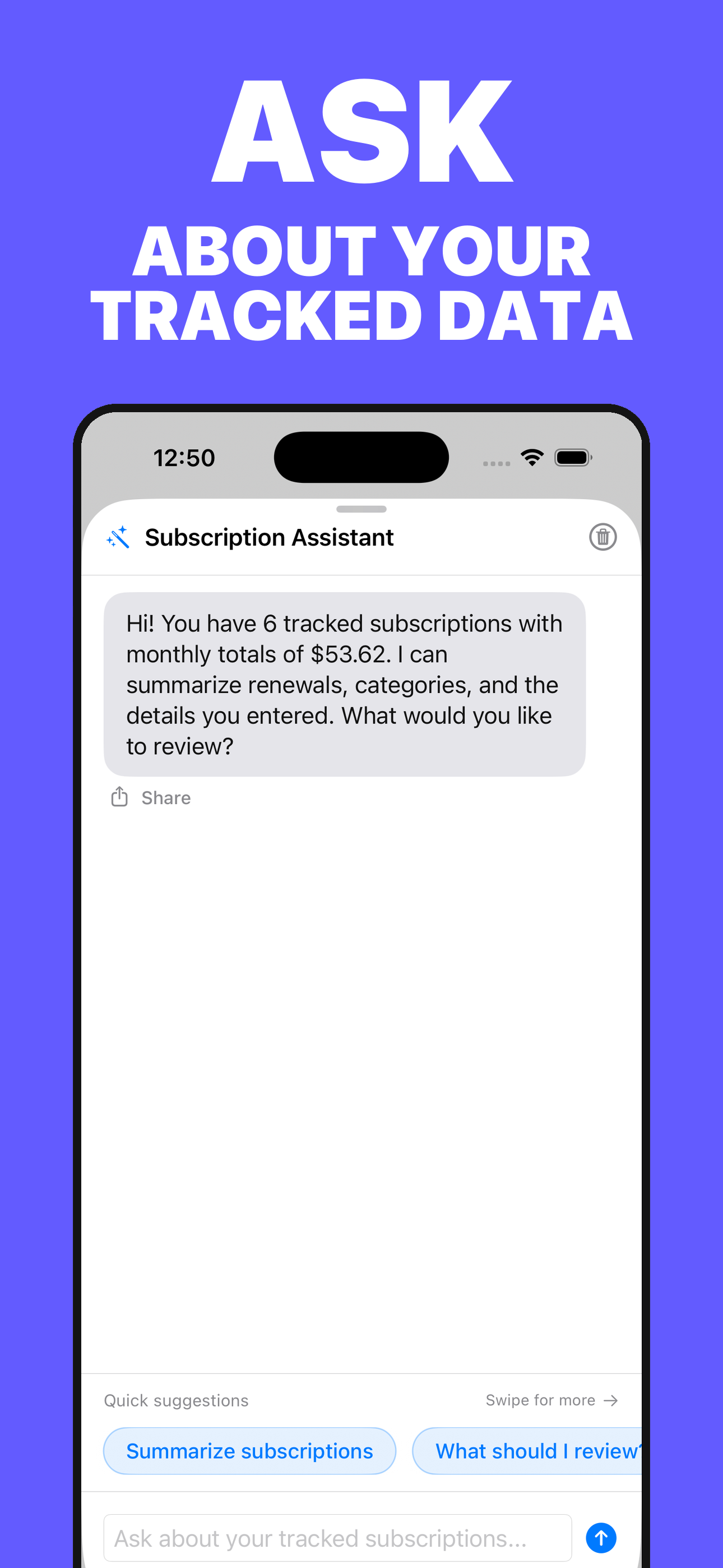
ASK
Start an optional AI question using only the subscription context needed for your request.
Deliberately honest
Subscriptions Manager organizes the records you enter. It does not find charges automatically, prove that a service was cancelled, or provide financial advice.
Monthly and yearly equivalents stay separated by currency.
See the dates and cycles you chose to save in one calendar.
Keep upcoming renewals and totals visible at a glance.
Keep records available across supported Apple devices.
Ask about the tracked context you deliberately provide.
The app cannot access bank, card, email, or subscription accounts.
Questions before you download
No. It does not connect to your bank, card, email inbox, or provider accounts. Every total is based on records and dates you choose to enter.
No. Cancellation still happens with the service provider or through the account that was charged. Update the app afterwards to keep your own records accurate.
Monthly and yearly equivalents are grouped by currency so unlike amounts are not silently combined into one misleading total.
Records are stored on your device and can synchronize through your private iCloud account when iCloud is available for the app. Optional AI, analytics, paywall, and purchase processing are explained in the Privacy Policy.
Start free, enter only the subscriptions you want to track, and keep the real provider record as your source of truth.
View on the App Store